Docs / FAQ's
Invoice Management: Marking as Paid and Cancelling Invoices
In this article, we'll guide you through the process of managing your invoices, whether you want to mark them as paid or cancel them.
How to Mark an Invoice as Paid
Navigate to Services
Click Invoices
Under Private Payments, select the invoice ID you want to update
On the order page, locate the Options menu on the right-hand side
Click Mark as Paid
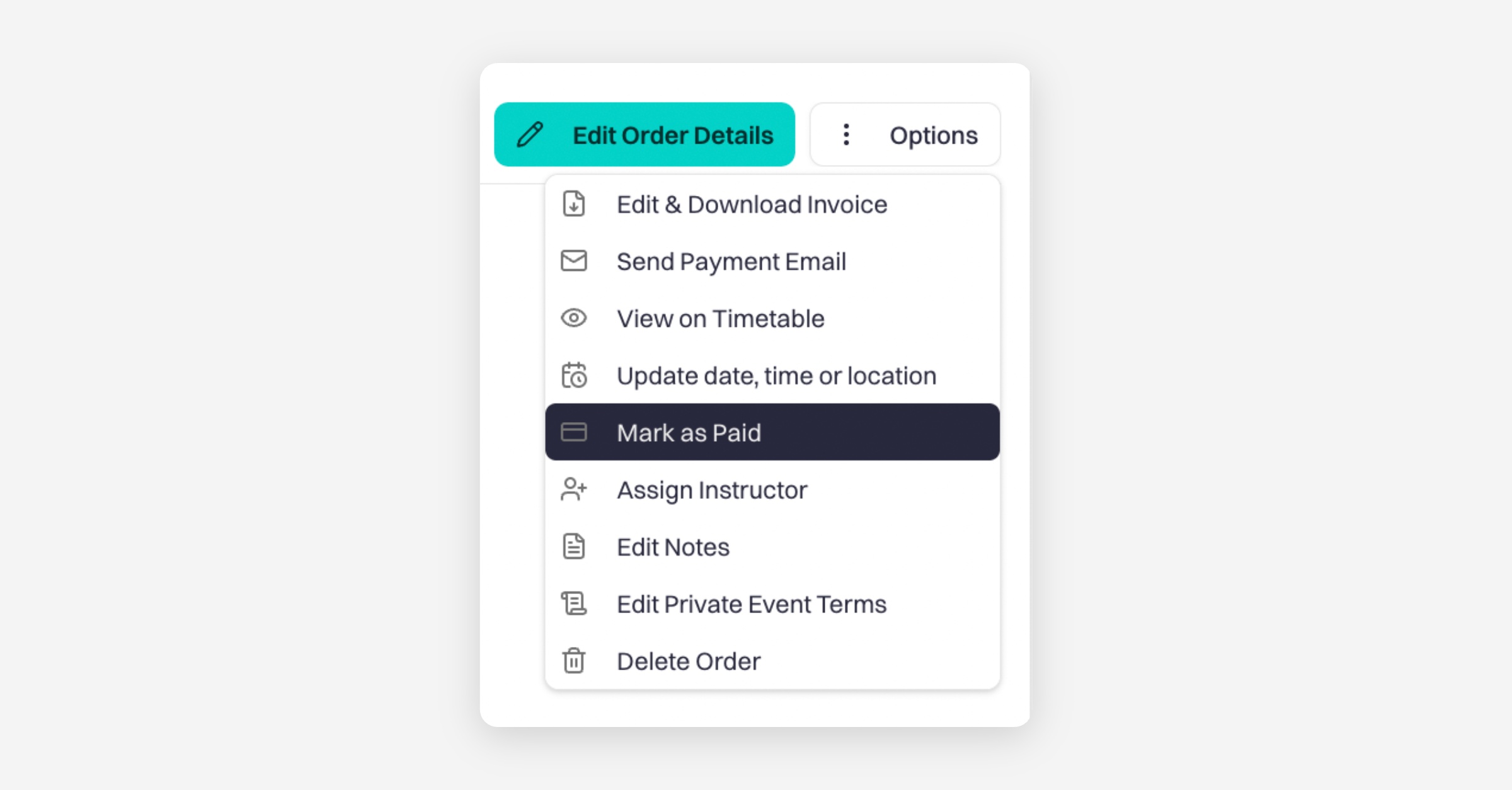
The Options menu also includes additional invoice management actions such as:
Edit & Download Invoice
Send Payment Email
Update date, time or location
Assign Instructor
Edit Notes
Delete Order
Use these tools to manage your private payments and invoices more efficiently.
Was this helpful?